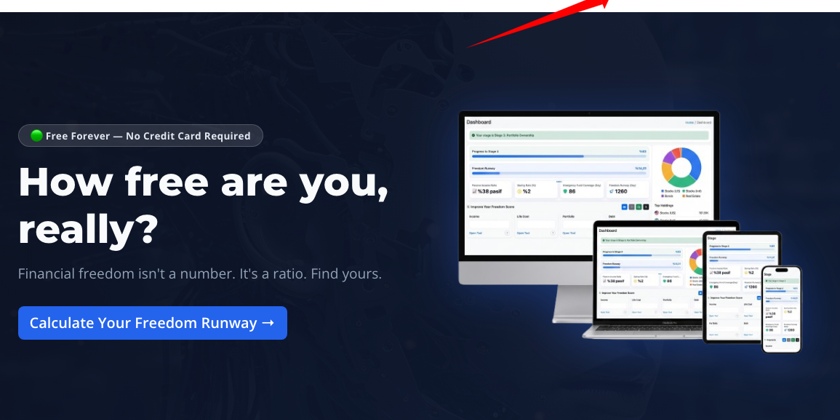
How do I install the app on my Android device?
You need to log in to the system using your email address and password via the link below.
Login link: https://projxplorer.com/account/login
After logging in, click the "INSTALL" button located in the lower right corner of the mobile screen layout.
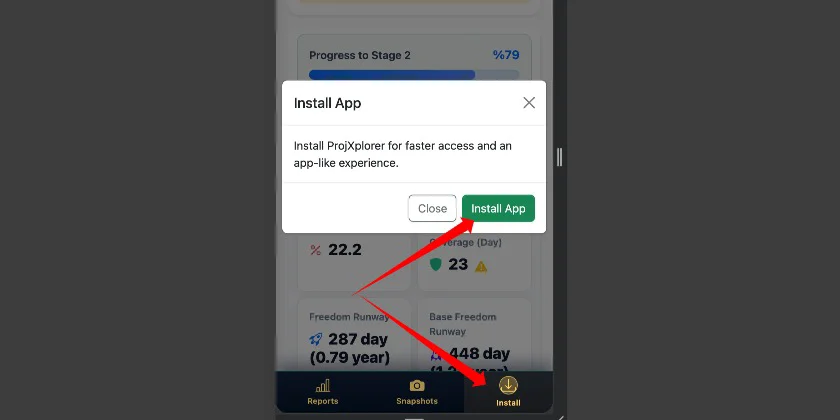
After clicking the green button, a confirmation message will appear.
Once this message is confirmed, the application will begin installing.
The installation is expected to be completed in approximately 30 seconds.
Once the installation is complete, you can access the ProjXplorer application in the applications section, and you can easily log in by moving the application shortcut to your desired location.