How do I register for the ProjXplorer Financial Freedom app?
To register for the ProjXplorer app, all you need is a valid email address.
We don't collect any personal information other than your email address. You can use your real name or any nickname you want, but this is optional.
Step 1: Accessing the registration page
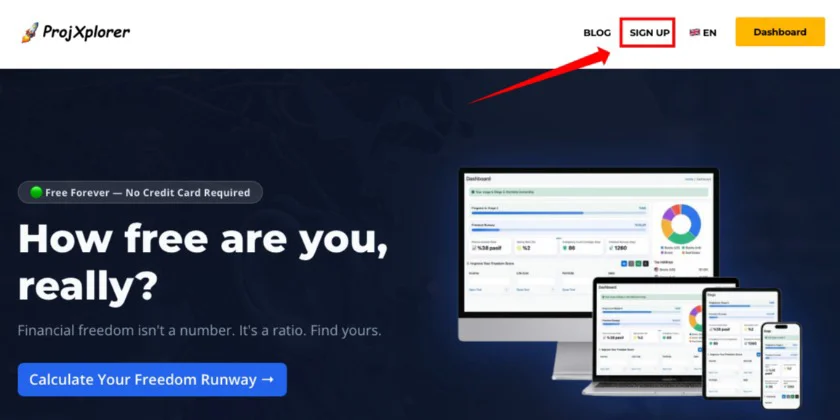
Go to the registration page using the link below and the "REGISTER" link on the main page.
Link to the registration page: https://projxplorer.com/account/register
Step 2: Filling out the registration form
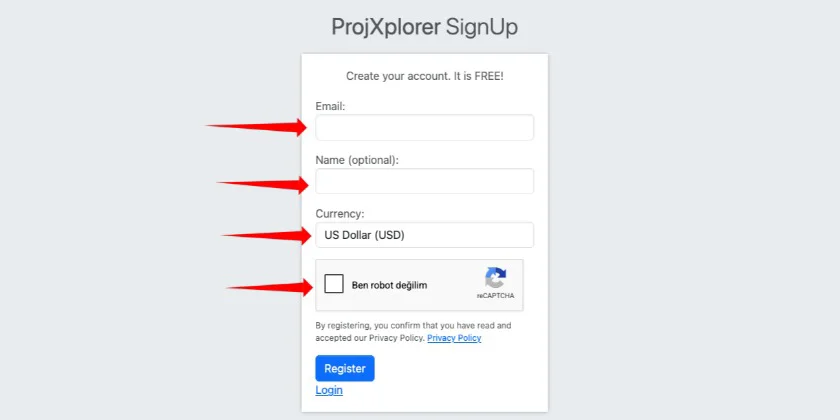
Entering a valid email address is mandatory.
Name is optional.
Anonymity is important on this platform.
If you enter a name, I recommend only entering your first name and not your last name, or entering a nickname.
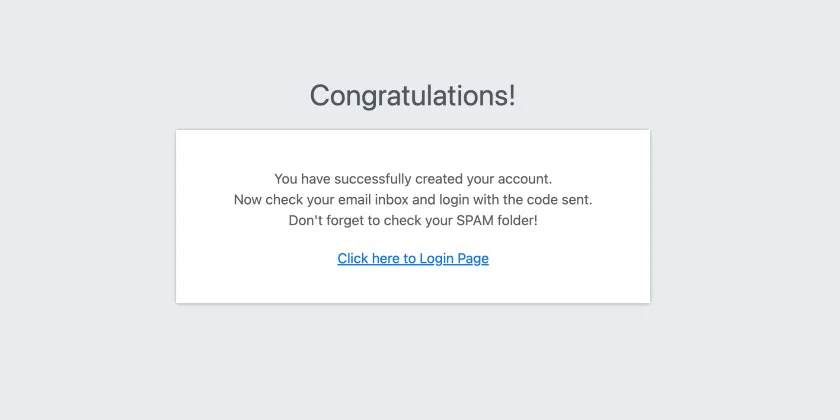
After this process, you will see the following message.
You need to go to your email account's inbox and find your general email.
Don't forget to also check your email account's SPAM, JUNK, and SNACK folders.
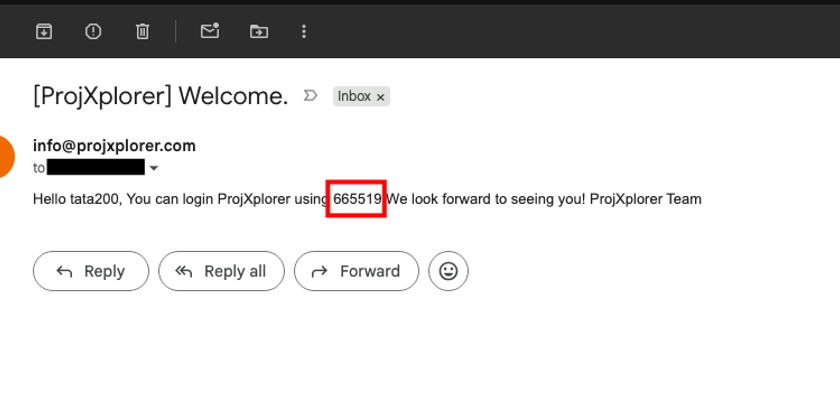
The email content should look like this. You will use this code to log in.
This code is now your password.
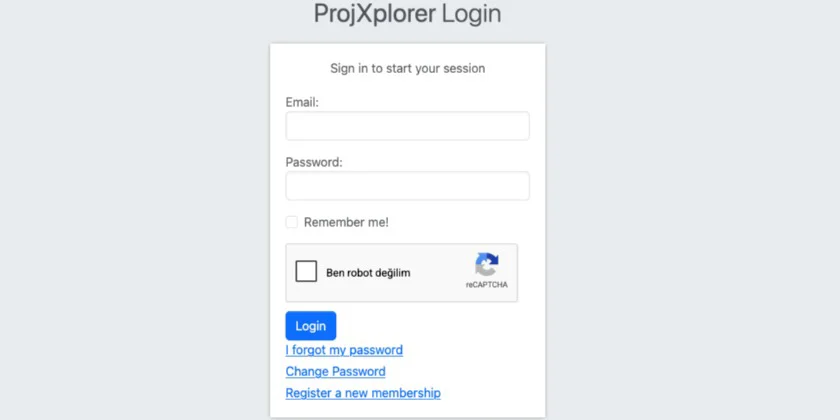
Step 3: Logging into the application
The login page link is below. By accessing this link, you can log in to the system using your email address and the password sent to you via email.
Login page link: https://projxplorer.com/tr/account/Login
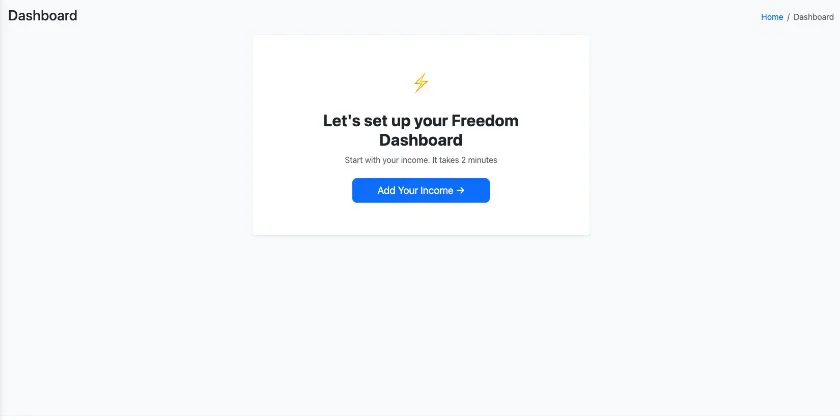
Once you log in to your account with your email and password, you will see a welcome screen like the one below.
Congratulations!
The "Financial Freedom" application is now ready to use.
For detailed usage instructions, you can contact me or review the relevant articles via the link below.